
Time tracking software for teams, from the first timer to the invoice
Punchly records where your team’s time goes, whichever way each person prefers to record it, and turns it into what you need next: a timesheet a manager has checked, an invoice a client can pay, a project that stays inside its budget.
Paid plans from $2 a person a month. 7-day free trial of the Pro plan’s features, no credit card needed.
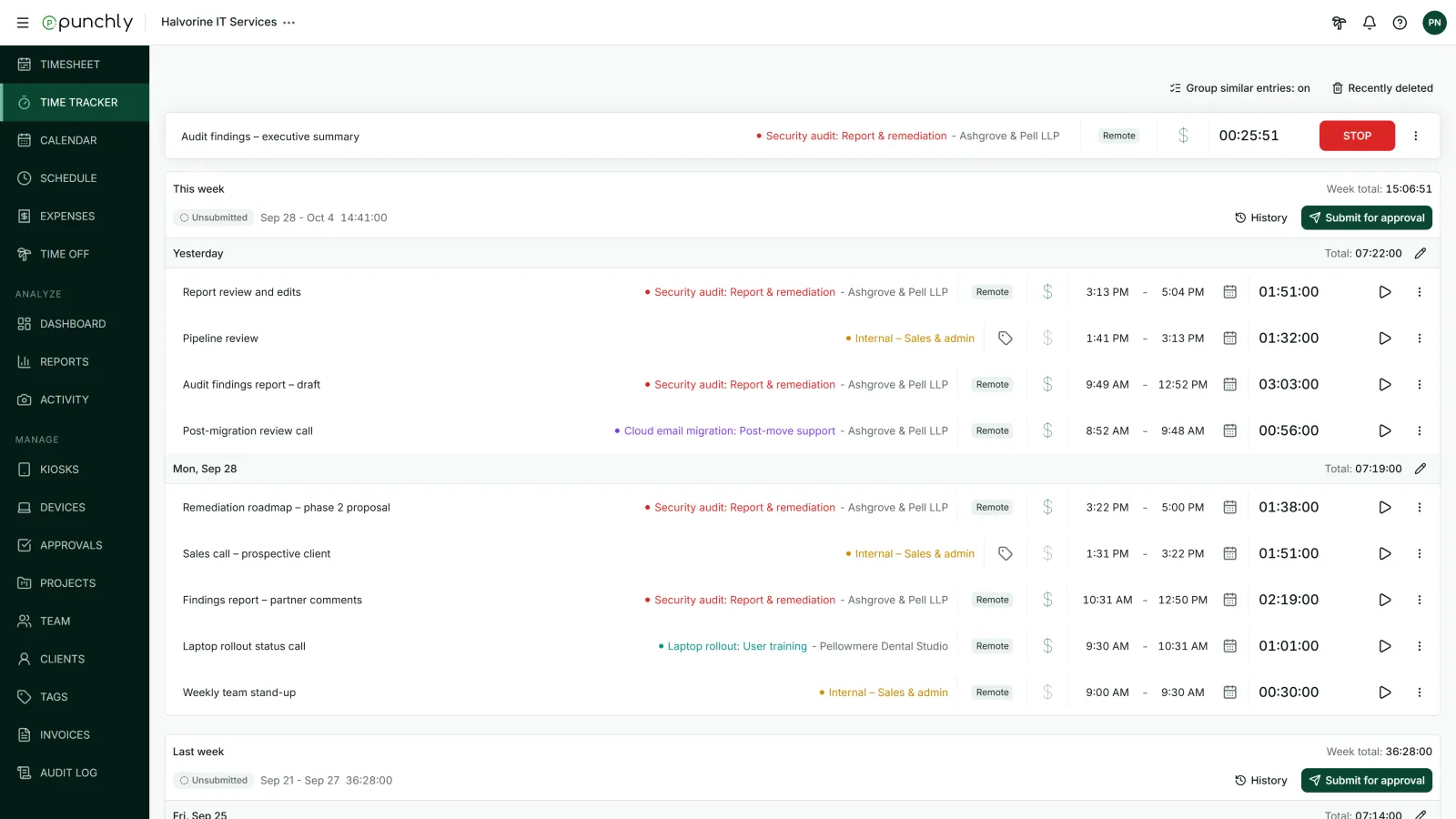
Everyone tracks the way that suits them
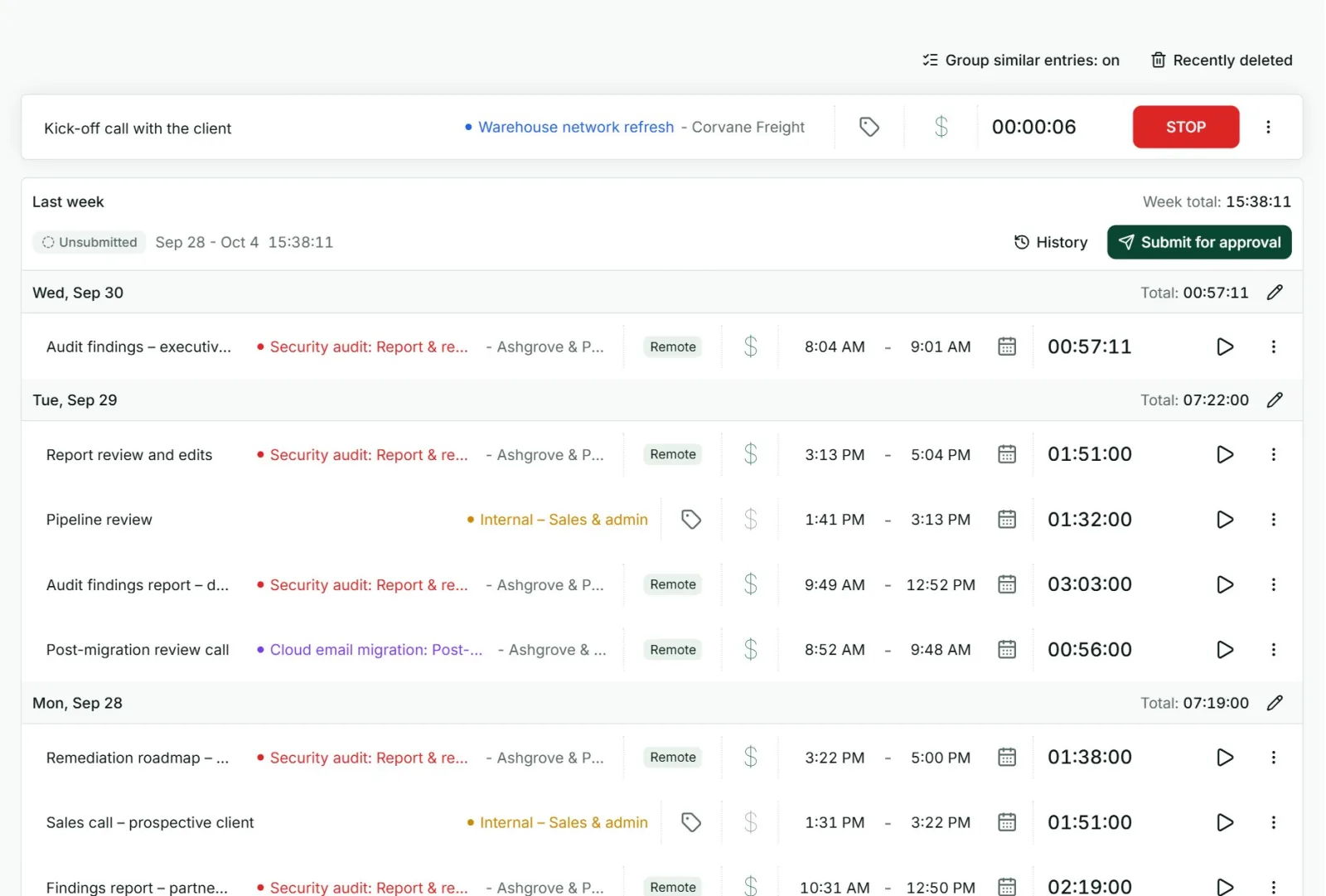
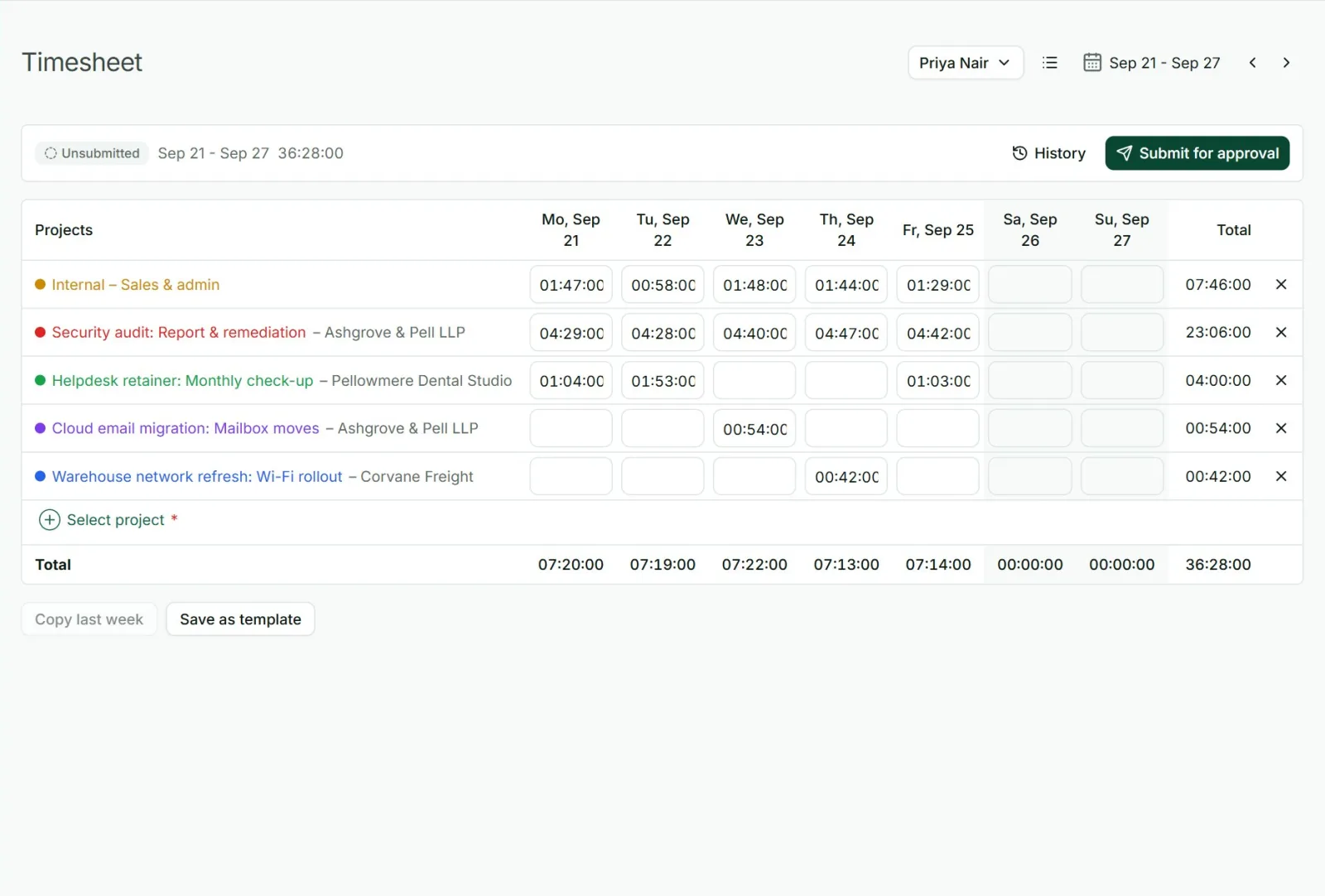
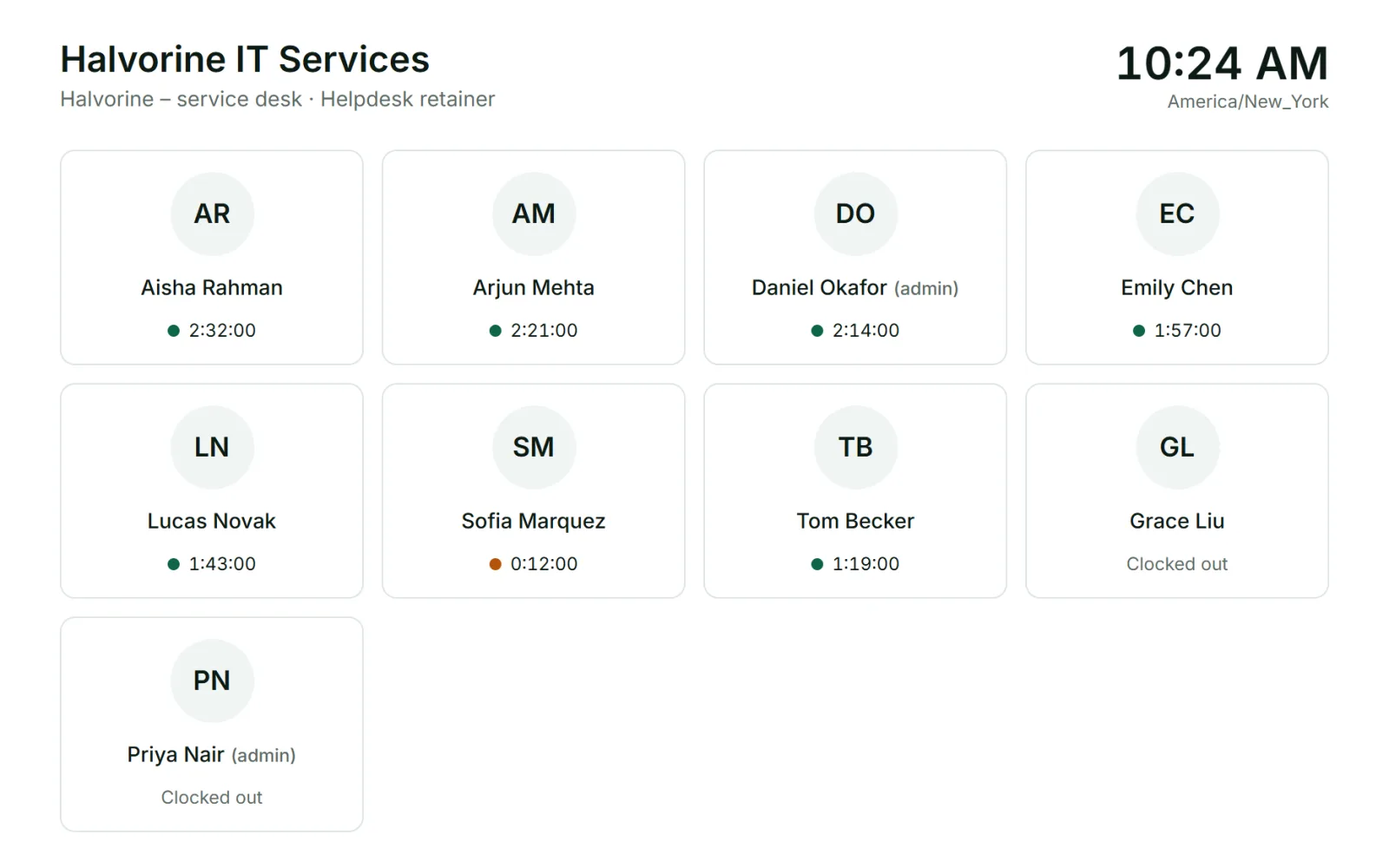
Not everyone records time the same way. In Punchly, the same record can be filled in four ways, and the numbers add up whichever they choose.
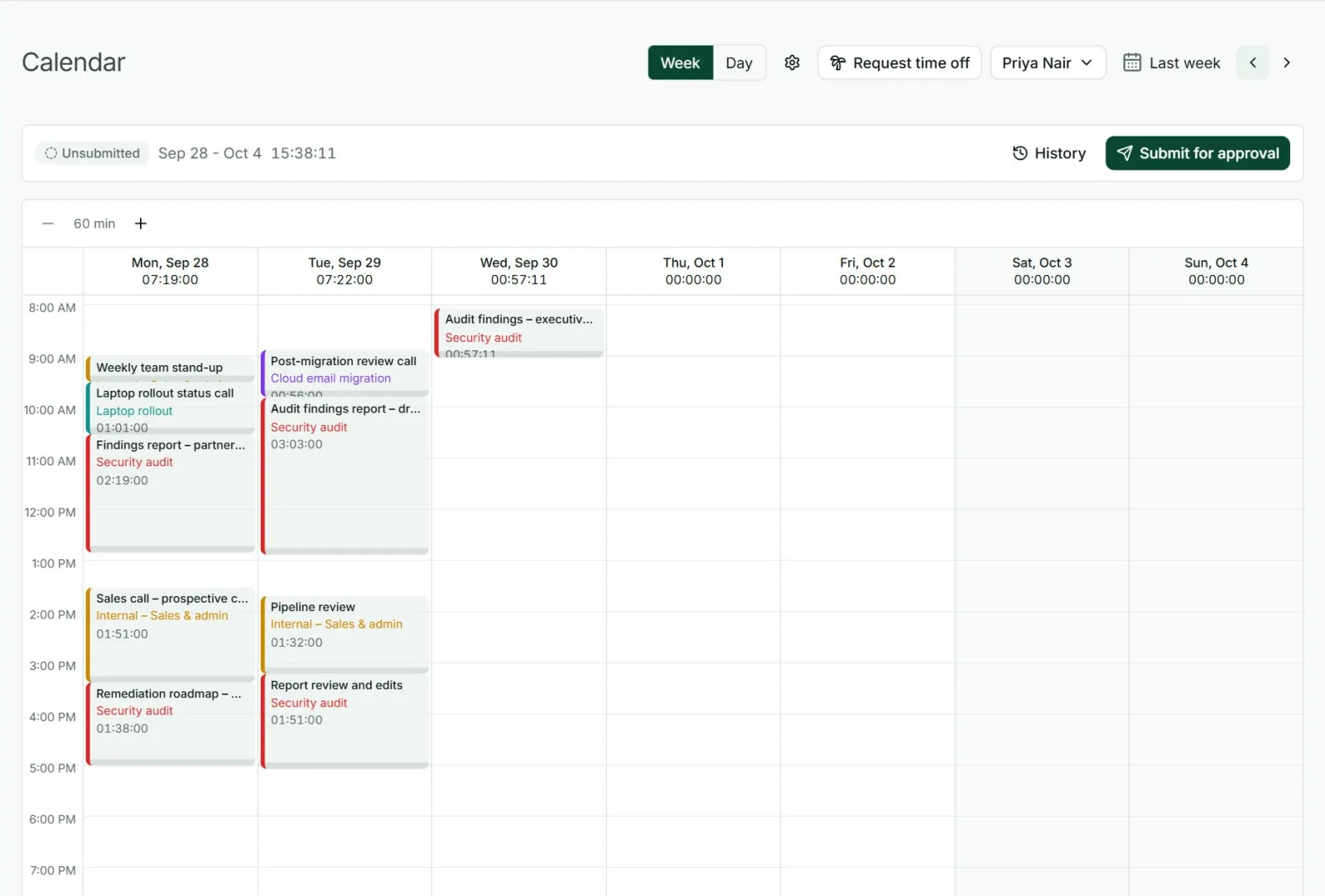
A calendar
For people who think in blocks, with their Google or Outlook meetings beside their time.
On every device, with or without internet
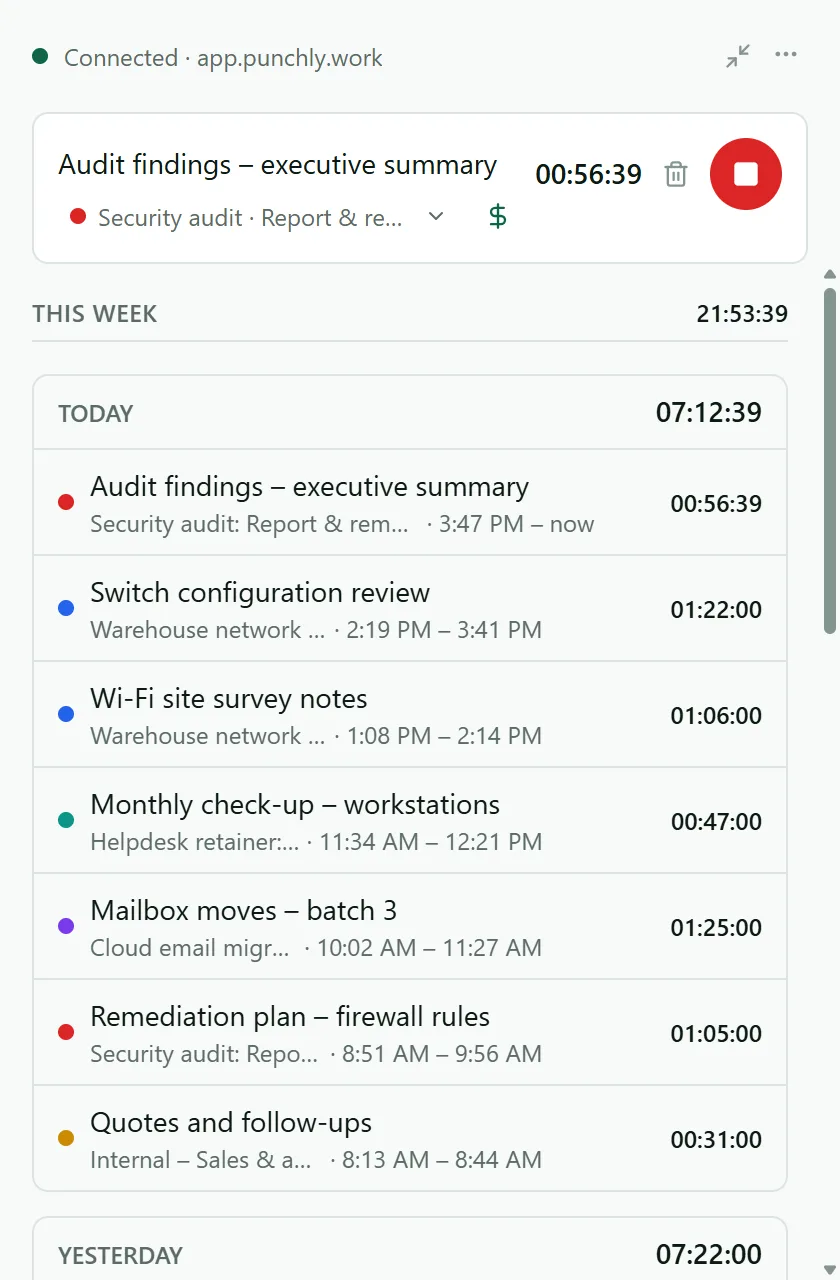
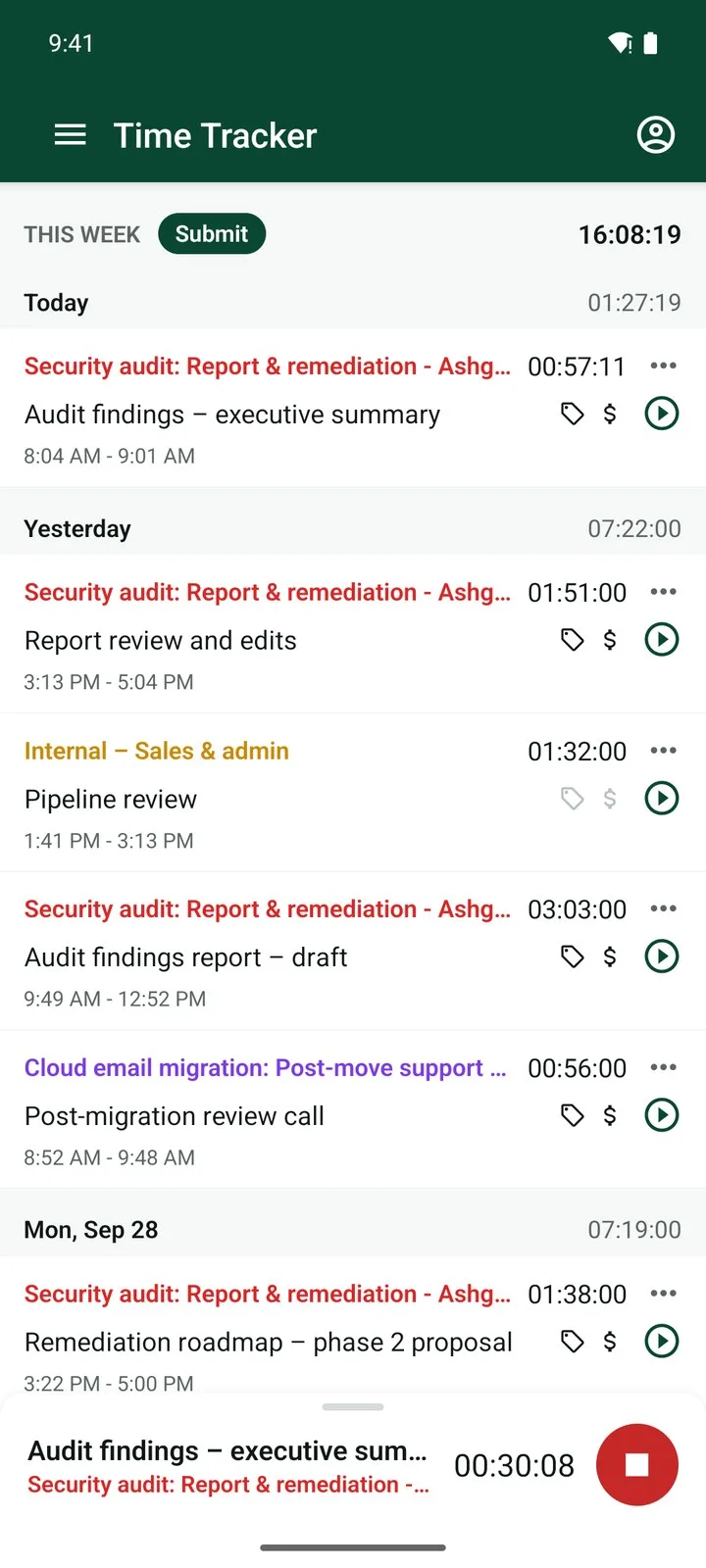
Punchly runs in the browser, as a small desktop app for Windows, Mac and Linux, and as a phone app for Android and iPhone. A timer started on one is running on all of them. The desktop and phone apps keep tracking with no connection and send the time when they are back online.
WebWindowsMacLinuxAndroidiPhone and iPad
See where the time went
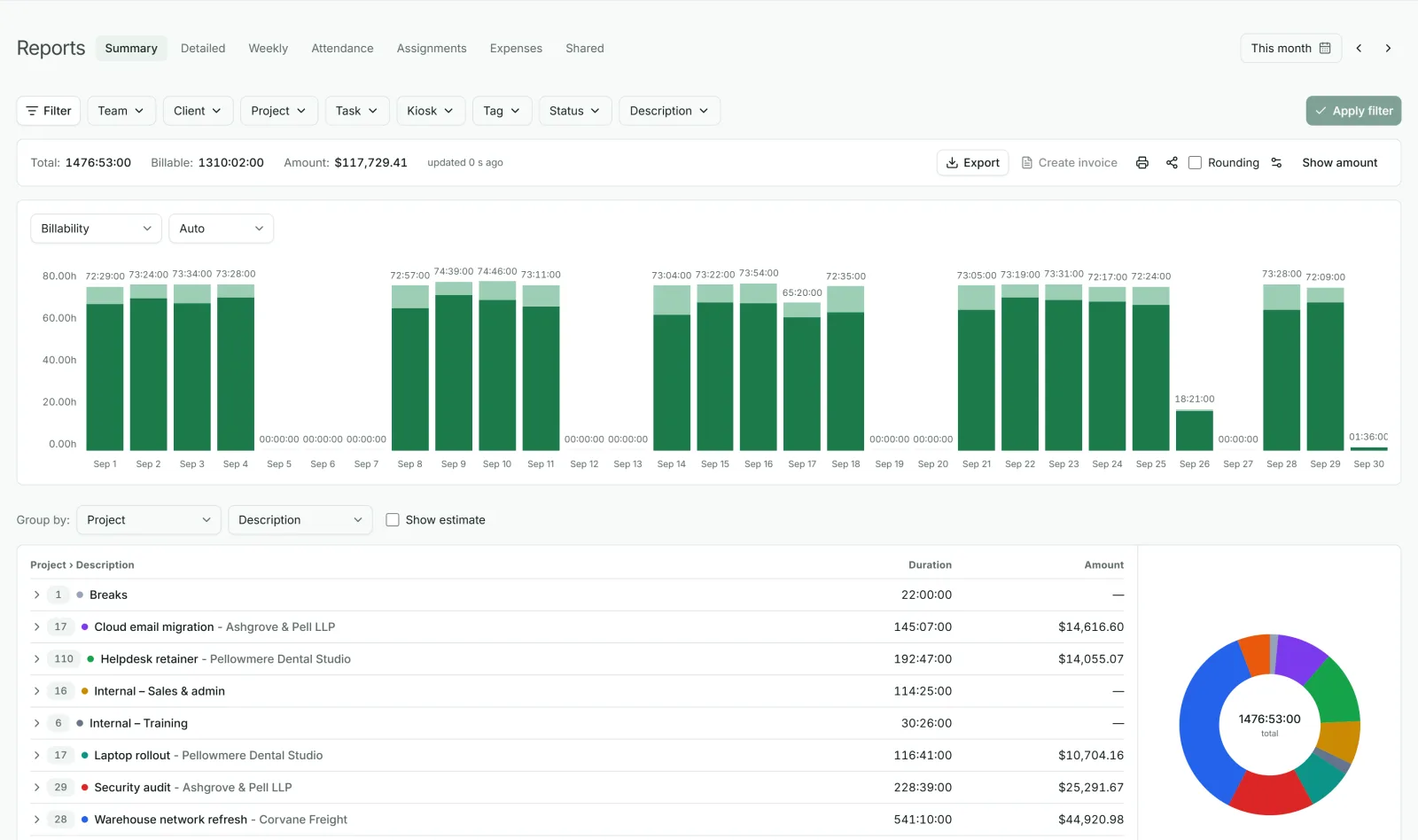
Tracked time is only useful when it answers a question. Reports group hours by client, project, task or person, in any order, for any dates, and the dashboard shows the week at a glance. Export a report to PDF, or to Excel and CSV on a paid plan, or have it emailed to you on a schedule.
Group byClientProjectTaskPerson
Keep projects inside their budget
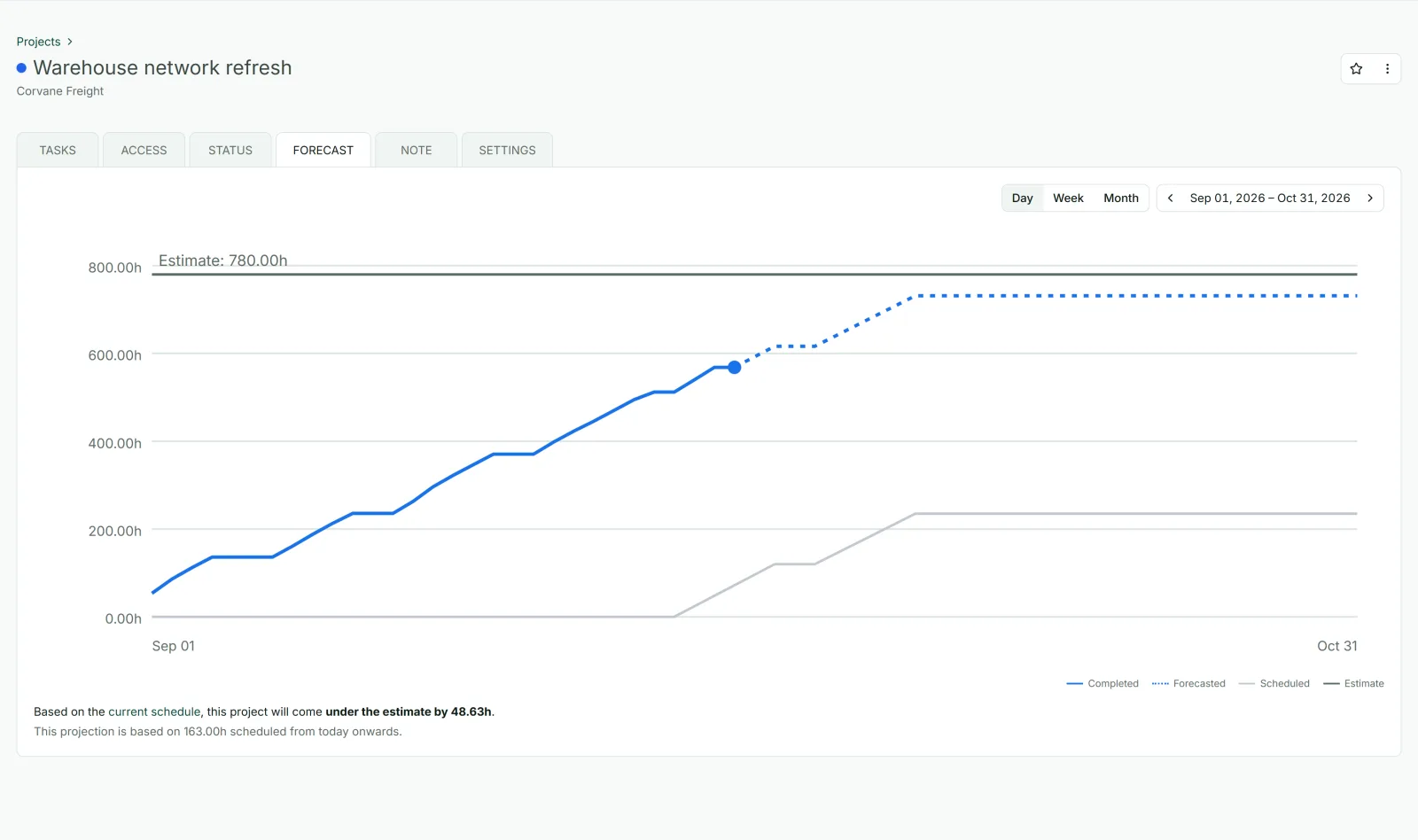
Give a project a limit in hours or in money and Punchly shows how much is used while the work is still going on. An alert warns you before the limit is reached, the forecast adds the work still planned to the hours already tracked to show where the project will end, and the schedule shows who has room for the next one.
Website rebuild
62 h of 80 h
Example project
Alert at 80%
Turn hours into money
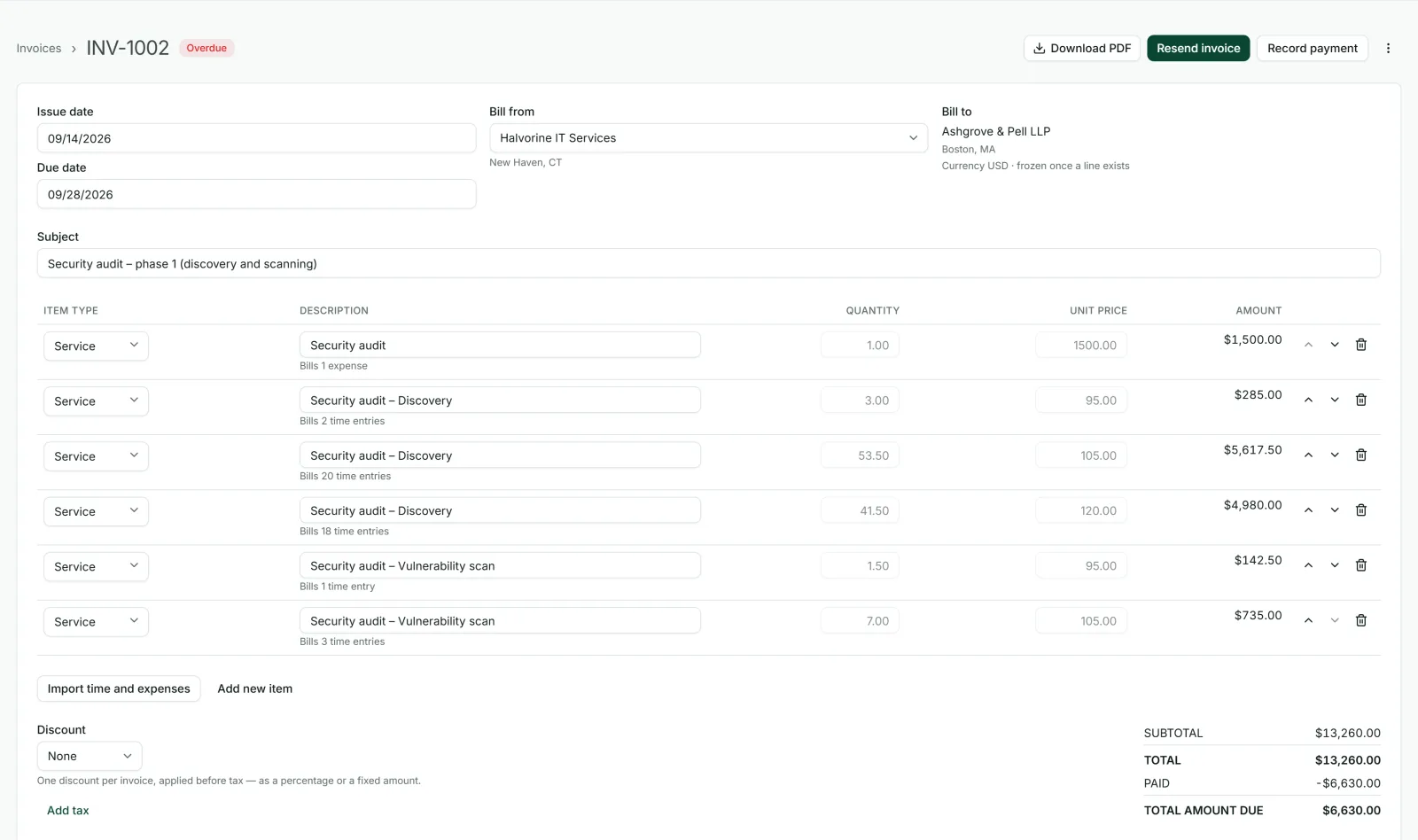
Set billable rates for a person, a project or a task, and every report shows what the work earned. At the end of the month, put a client’s unbilled hours and expenses on an invoice, send it by email and record the payment, or send the time to QuickBooks Online and bill from there.
Billable hours→Invoice→Sent by email→Payment recorded
Run the team from the same place
Start9:02 AMEnd5:48 PMBreak0:45Overtime0:01
Attendance and overtime
Who started when, breaks, and overtime by day, week or month.
OwnerAdminTeam managerProject managerMember
Roles and permissions
Decide who sees whose time, rates and reports.
Connected to the tools you already use
Bring Jira issues in as tasks, send billable time to QuickBooks Online, see your Google and Outlook calendars beside your time, and connect anything else through the open API and webhooks.
Open about monitoring
Some companies need proof of work; many do not. Screenshots, app names and location exist in Punchly, and all three are off until an admin switches them on. When they are on, every person is told what is recorded before it starts and can see when it is recording.
Screenshots
Off
App names
Off
Location
Off
Made for the way your team works
Agencies watching retainers, law firms billing in six-minute units, building crews clocking in at the site gate and developers tracking against Jira issues can all use the same product, set up differently.
Agencies
Retainers, client budgets and who is free next week.
Developers
Time against the Jira issue you are working on.
Consultants
Billable hours and expenses for each client and engagement.
Accountants
Time and billing for client work, sent on to QuickBooks.
Lawyers
Time by client and matter, in six-minute units if you bill that way.
Construction
A time clock on a tablet at the site, and hours by job.
Freelancers
A timer, a rate and an invoice, starting free.
Startups and small businesses
Free for the first five people, with room to grow.
Start in three steps
Sign up
Use Google, Microsoft or a code sent to your email. There is no password, and no card is asked for.
Add your projects and invite your team
Projects and past time can also be imported from a CSV file (Basic plan).
Track
Start a timer or fill in today’s hours. Your first report is ready as soon as there is time in it.
Simple pricing
Free for up to 5 people, for as long as you like. Paid plans are $2, $4 or $6 a person a month, and paying yearly costs the same as ten months. Every new workspace starts with 7 days of the Pro plan’s features.
Free
$0
no time limit
Up to 5 people who need to track time and see where it went.
Basic
$2
a person a month
Rates, Excel export and private projects.
Standard
$4
a person a month
Approvals, leave, invoices and the kiosk.
Pro
$6
a person a month
Scheduling, budgets, costs and expenses.
Enterprise
Talk to us
for larger companies
An audit log of every change.
Questions people ask
Something else on your mind? Our team answers from inside the app and by email.
See where your team’s time goes
Create a free workspace, invite your team and track this week. No card, no installation, and nothing to cancel if it is not for you.